Segment templates
Prebuilt segments for common audiences, powered by your integrations.
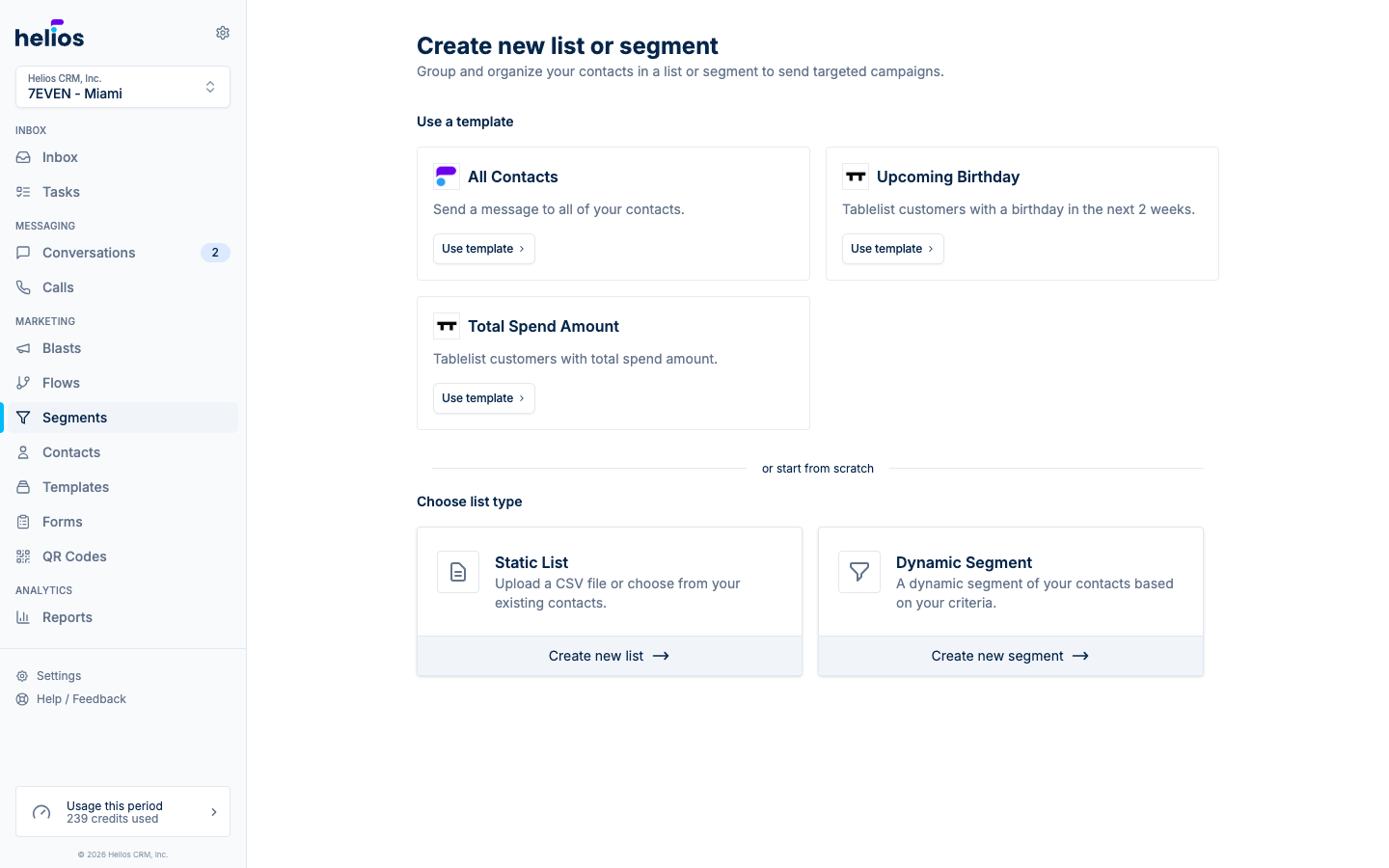
When you click Create list, the top of the page shows Use a template (prebuilt segments you can apply in one click), followed by or start from scratch with the static list and dynamic segment options.
Templates come pre-wired with the right rules; click Use template, adjust anything you like, and save.
Built-in
- All Contacts: every contact in your workspace. The quickest way to message everyone.
From integrations
Connecting an integration unlocks templates built on its data. For example:
Mindbody
- Intro offer ending soon: reach trial clients before their offer expires.
- Intro expired without converting: the win-back moment after a trial lapses.
- Class pack holders: clients with sessions remaining on a class pack.
- Annual members: your committed contract holders.
- Attended in the last 30 days / Purchased in the last 30 days: recent activity audiences.
- Active members / Non members: split your audience by membership.
- Plus Recent first visit, Memberships ending soon, Churned members, and more.
Tablelist
- Upcoming Birthday: birthday offers.
- Total Spend Amount: target by spend level.
Zenoti
Zenoti doesn’t add templates. Instead, Helios creates ready-made lifecycle segments on Lists & Segments once your guest history syncs, such as First Visit Booked, Member Credits Banked, Membership Ending, Package Expiring, Lapsed Guest 90 Days, and Visited, Not Opted In. To build your own, the segment builder groups Zenoti data under Membership, Visits & appointments, Packages, Spend, and Profile.
Templates are a starting point, not a lock-in: after applying one you’re in the normal segment editor and can tighten or extend the rules however you need.