Dynamic segments
Define rules that keep a segment up to date as contacts change.
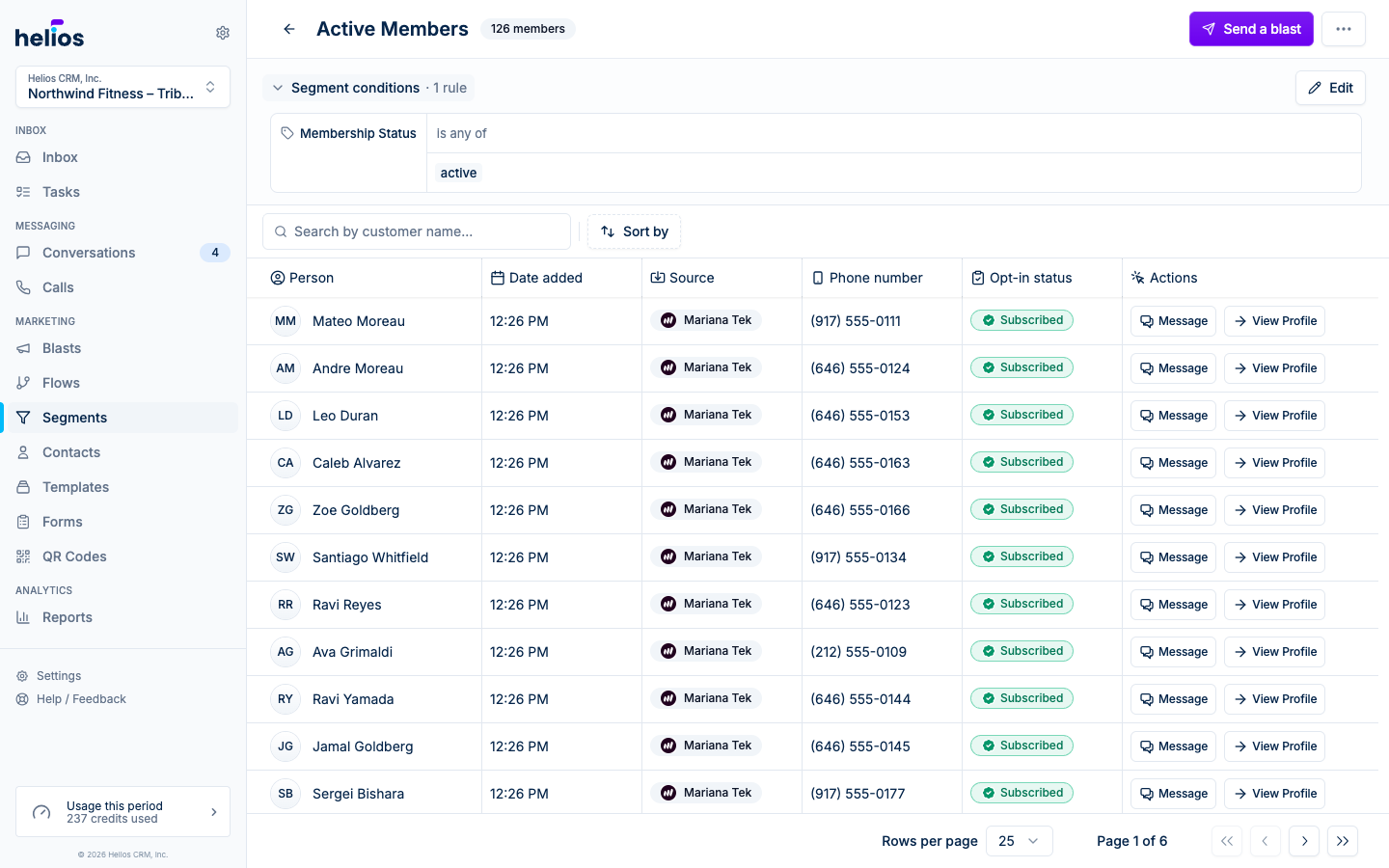
A dynamic segment is a saved set of rules: “active members”, “hasn’t visited in 30 days”, “spent over $500”. Helios evaluates the rules continuously, so the segment always reflects who matches right now. Send a blast to a segment and it goes to whoever qualifies at send time.
The Lists & Segments page is the catalog of every static list and dynamic segment. Filter by the same lifecycle tags used on flows (Sales, Onboarding, Intro offer, Retention, Win-back, Billing; nightlife and wellness accounts see their own set). Any other tag on your segments, such as Presale, gets its own filter after those. To work the locked lifecycle buckets as a board, use Stages.
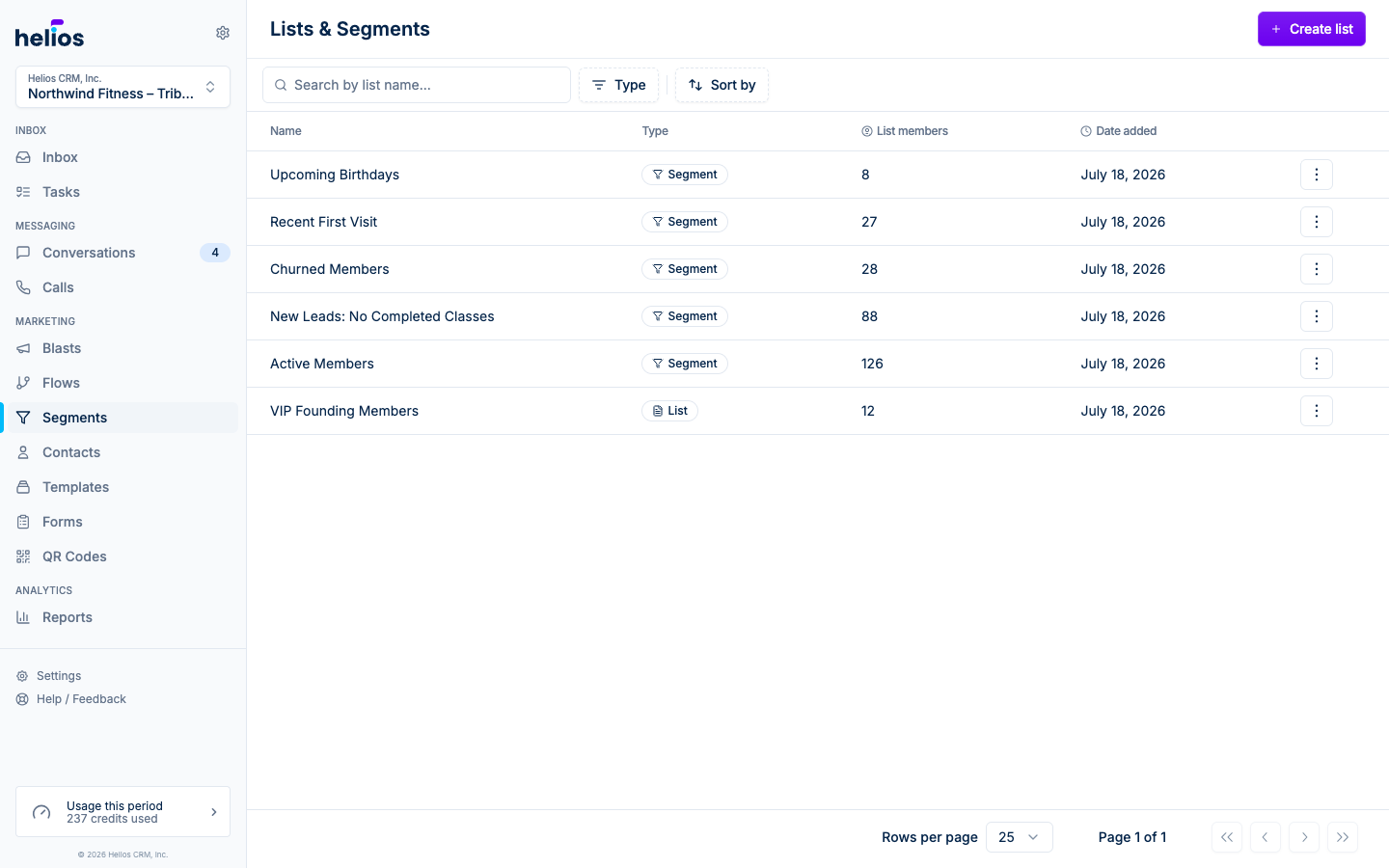
Create a segment
From Lists & Segments, click Create list and choose Dynamic Segment. Name it, then build the rules.
Building rules
Click Add criteria to open the property picker. There are two kinds of rule:
- Properties about someone: facts on the contact record (name, tags, membership status, custom properties, and anything your integrations sync in).
- What someone has done: events (visited, purchased, booked a class, submitted a form). Event rules can count occurrences (“at least once”, “greater than 3”) and be scoped by the event’s own properties.
Event rules evaluate up to the previous 12 months of activity. Add a date criterion when you need a shorter window, such as purchases in the last 30 days.
Website events are always available, even without a booking integration. They include Helios form views and submissions, plus landing page views, clicks, and checkout on a Helios booking page when the contact is identified.
For FitDEGREE values such as products, classes, instructors, and locations, start typing and Helios searches FitDEGREE live. This lets you select a value before it appears in synced customer or event data.
Rules combine two ways:
- Criteria inside a group are joined with and: the contact must match all of them.
- Add condition group adds an or group: the contact matches if any group matches. Each group’s header reads match all.
Operators
Available operators depend on the property type:
| Type | Operators |
|---|---|
| Text | Exists, Contains, Equals, Does not equal, Includes any, Does not include any |
| Number | Equals, Does not equal, Less than (or equal to), Greater than (or equal to), Exists |
| Date | Exists, In the last, In the next, Exactly … ago, In exactly …, Before, After |
| Boolean | Exists, Equals / Does not equal (True / False) |
| Events | At least, Exactly, At most, Fewer than, Never (has not done this) |
Relative date operators (In the last 30 days, Exactly 7 days ago) are what make segments self-updating: a “lapsed members” segment stays accurate every day without you touching it.
Live preview
As you edit rules, the Matching customers section below the builder shows a sample of five matching contacts and the total count. If it reads No matching customers, loosen a rule. The helper text suggests widening the audience. When the preview looks right, click Save segment.
Editing a segment
Open the segment and use the rules summary at the top to jump into the editor. Changes apply immediately: anything referencing the segment (blasts, flow triggers) picks up the new membership automatically.
Example segments
- New leads:
Created dateIn the last7 days, andMembership statusDoes not equalActive - Win-back:
Last visitBefore60 days ago - VIPs:
Total spendGreater than500, or eventClass attendedGreater than50
If an integration like Mindbody or Mariana Tek is connected, prebuilt versions of common segments are available as templates.