Email conversations
Send and receive email in the same thread as your texts and calls.
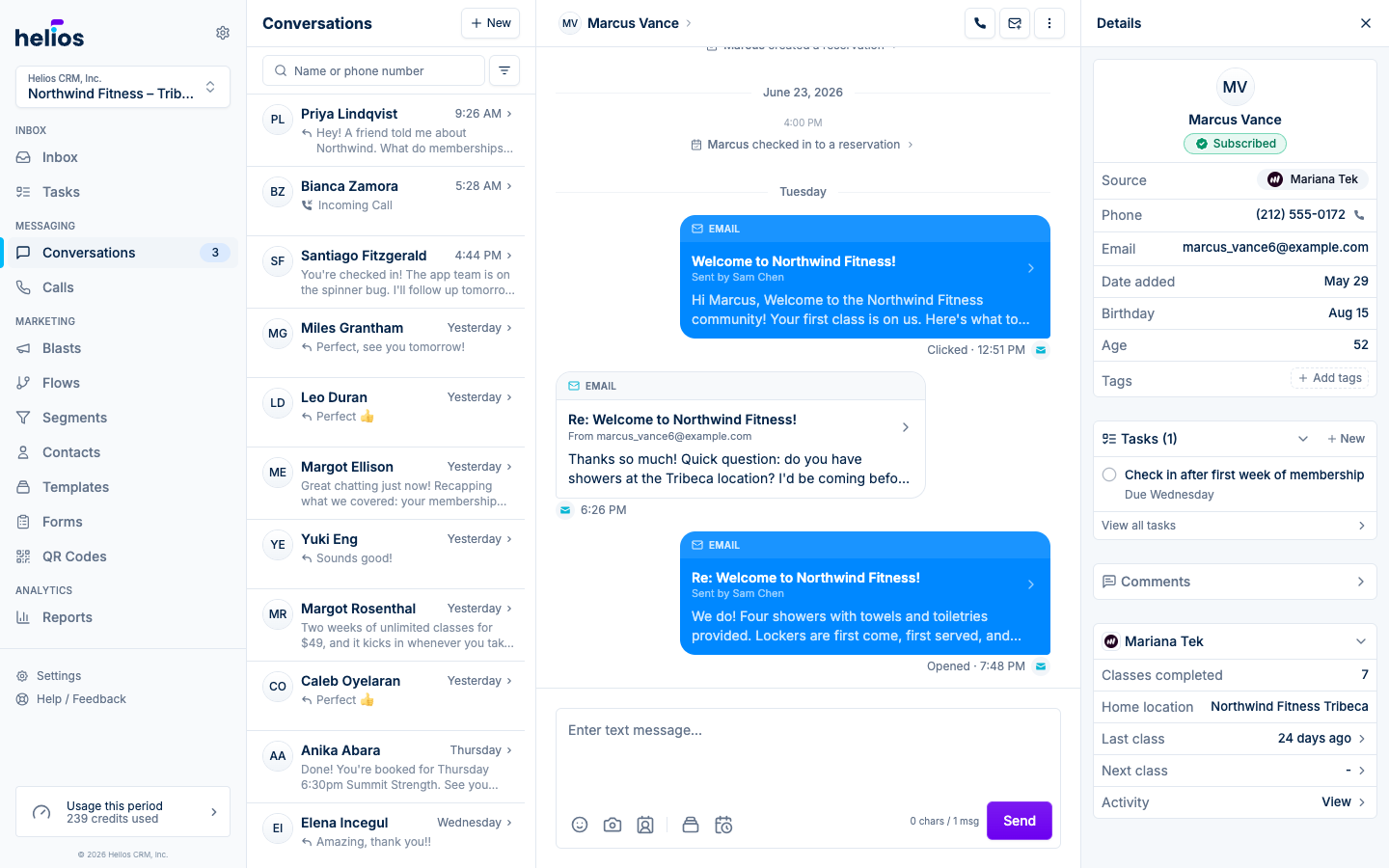
Email lives in the same thread as everything else. When a customer emails your inbox, the message appears inline with your text conversation, marked with an envelope icon, so the relationship history stays in one place.
Before you start
Email sending requires a verified sending domain, so your messages come from your own brand rather than a generic address. Set this up under Settings → Email domains by adding the DNS records Helios gives you.
Read an email thread
Click any email in a conversation to open the expanded email view. Emails are grouped by subject into threads, with sender details, recipients, timestamps, and attachments. Long threads collapse the middle so you see the first and latest messages at a glance.
Send an email
- New email: click Send email in the thread header of any contact who has an email address.
- Reply: open an email thread and click Reply to email.
The composer gives you a Subject line, a rich text body, and attachments (images and PDFs). Replies pre-fill the subject from the original message so threading stays intact for the recipient.
Like texts, emails can be scheduled to send later.
Email and credits
Email draws from the same credit pool as texting at a much lighter rate: 10 emails cost 1 credit. There’s no separate email plan or add-on.