Inboxes and phone numbers
Create inboxes, pick numbers, and configure voice, hours, and email per inbox.
An inbox is a phone number plus everything attached to it: conversations, voice settings, working hours, and email identity. Most businesses run one inbox per location; Settings → Inboxes lists yours.
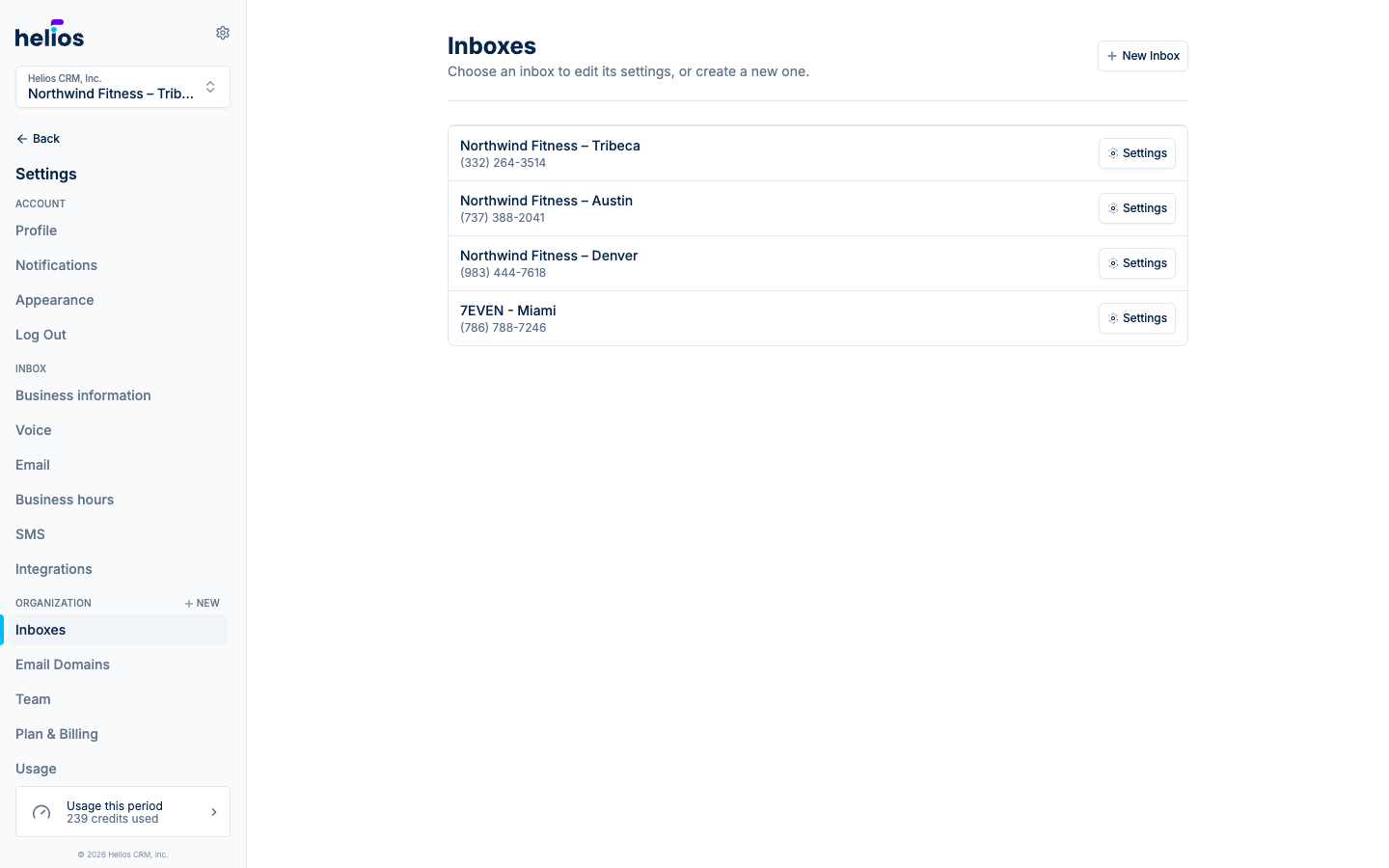
Create an inbox
Click New Inbox:
- Name it, e.g. “Support” or “Sales”, or the location name.
- Choose your phone number: search by area code and pick from available local numbers.
- Continue. The number is provisioned instantly.
Already have a business number you want to keep? Create the inbox with a temporary number, then contact support about transferring (porting/hosting) your existing number. Your plan includes a set number of inboxes (see Plan & Billing).
Inbox settings
Each inbox’s Settings page covers five areas.
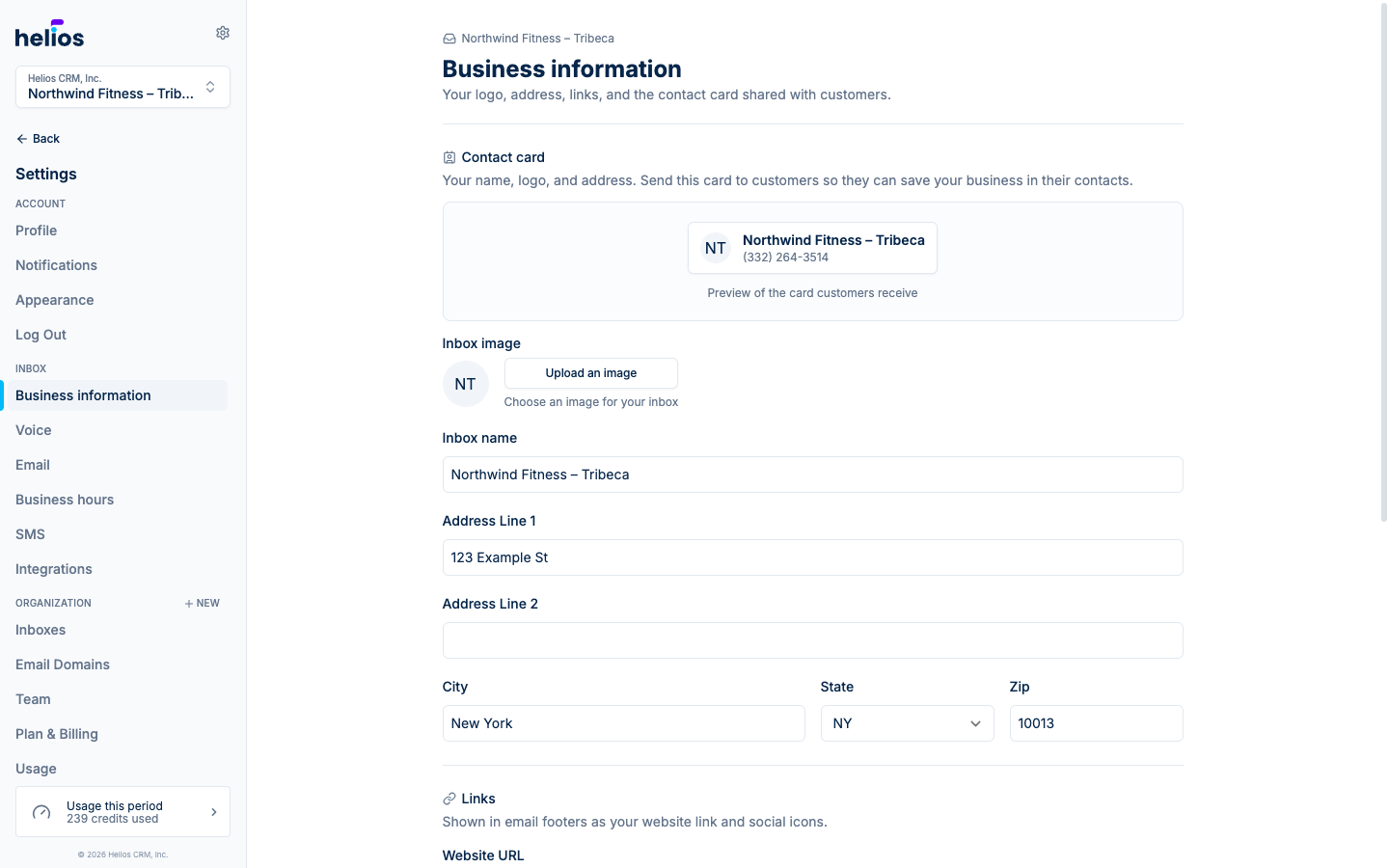
General
The inbox’s public identity: image, Inbox name, street address, and website/social links. These are used when you send someone your contact card, and they pre-fill the Header and Footer blocks in the email template builder.
This page also sets your business Time zone, which controls how dates and times render in messages (like class times in automated texts), task reminders, and reports. Helios uses Eastern Time until you set it, so pick your local zone here if your business is anywhere else.
Voice Settings
Choose what happens when someone calls your number:
- Voicemail: with a configurable Greeting text, read to callers before the beep. Voicemails land in Calls.
- Call forwarding: ring a Forwarding number (like the front desk) instead.
Working Hours
Toggle Enable Working Hours, set hours per day with your timezone, and write an Outside of Working Hours message. Texts that arrive outside the window get that auto-reply, so a 10 PM lead still hears back instantly.
SMS Settings
Link Tracking: when on, links in your messages are shortened (e.g. hsms.co/abc123) and clicks are tracked, powering the Clicks metric in blast reports.
Email Settings
Assign a verified email domain and set the From Name and From Address this inbox sends email as.
Deleting an inbox
Deleting an inbox releases its phone number and cannot be undone. Texts to the old number will no longer reach you. Treat this as a last resort.