Making and receiving calls
Call customers from the browser and answer incoming calls anywhere in Helios.
Helios calls run right in your browser (and in the iOS app), from the same number your texts come from. No desk phone, no separate softphone.
Make a call
Start a call from wherever you are:
- The Call button in any conversation’s thread header
- The call icon on the phone row of the contact sidebar
- The Dial tab in the iOS app, or Make a call on the web Calls page
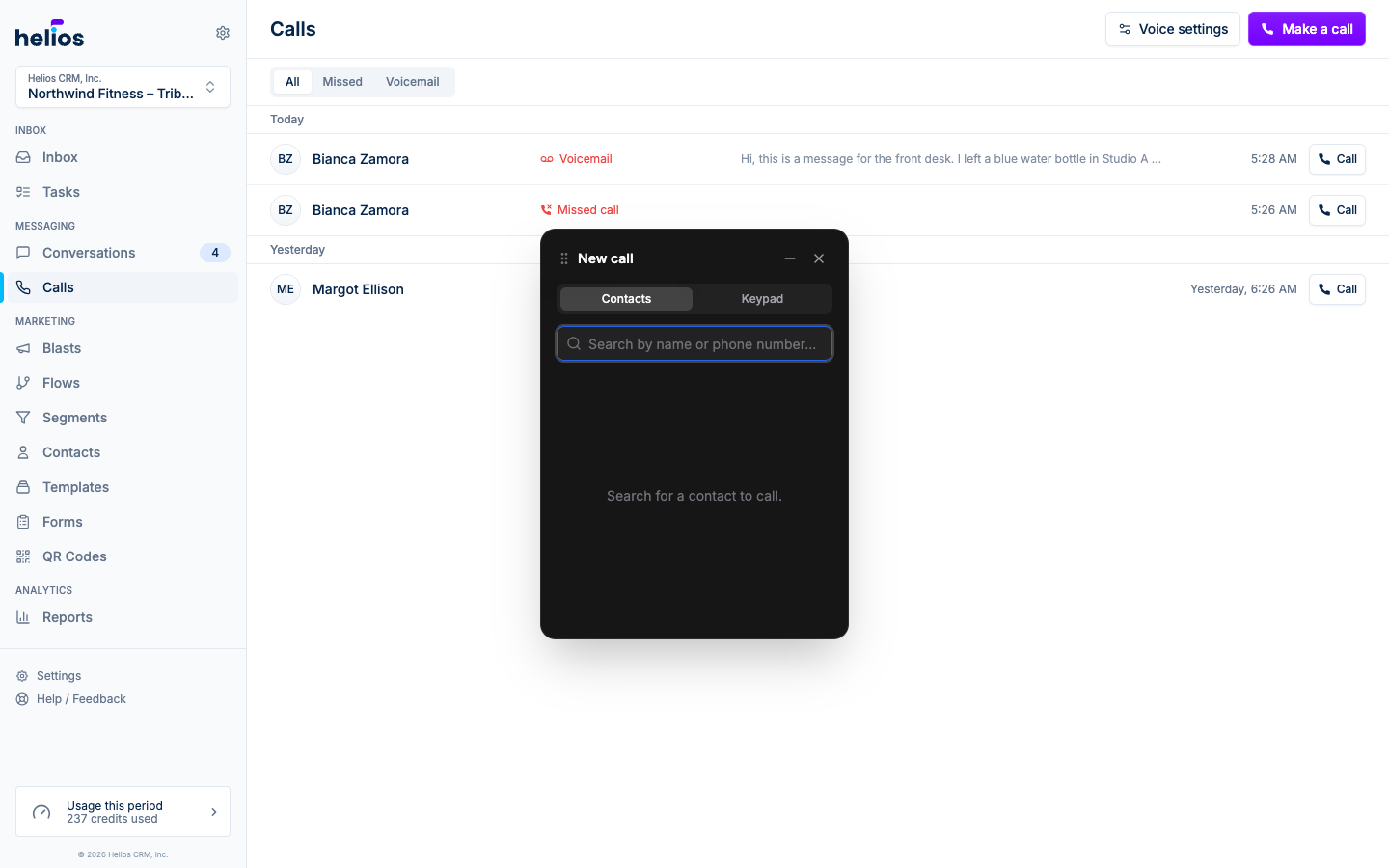
On the web, the dialer has two tabs: Contacts, with search by name or phone number, and Keypad for dialing a number directly. Helios always shows a confirmation with the contact’s name and number before dialing, so a stray click never places a call. The iOS Dial tab is keypad-first, with contact search from the magnifying glass.
During a call
The call widget shows the call status and elapsed time, and gives you:
- Mute / unmute your microphone
- Keypad for phone menus and extensions
- End call
The widget floats over the app, so you can navigate (pull up the customer’s thread, check their membership in the sidebar) while you talk.
Receive a call
When someone calls your number (with voicemail mode on), an Incoming call card appears in Helios with the caller’s name (or “Unknown caller”) and Accept and Decline buttons. It rings every teammate who has ringing enabled for that inbox; the first to accept takes the call.
Ringing follows your personal setting: Settings → Notifications → Incoming calls, toggled per inbox. On iPhone, the Helios app rings like a regular call.
If nobody answers within 30 seconds, the caller goes to voicemail (or the call follows your forwarding rule).
Calls in the conversation
Every call becomes part of the thread: incoming and outgoing calls with their duration, missed calls in red, and voicemails with playback and a transcript. The conversation history stays complete whether the customer texted, emailed, or called.
On iPhone, hanging up a call (or finishing a voicemail) opens a follow-up sheet so you can send a text, add a note, or create a task while the conversation is still fresh. Details in the iOS app overview.