A clearer way to build form pages
Building the page around a form is now direct: add heading and text blocks, edit them in the settings panel like the form header, and drop blocks into clearly labeled regions above or below the form. Form views are now unique visitor views, so your conversion rate reflects real people.
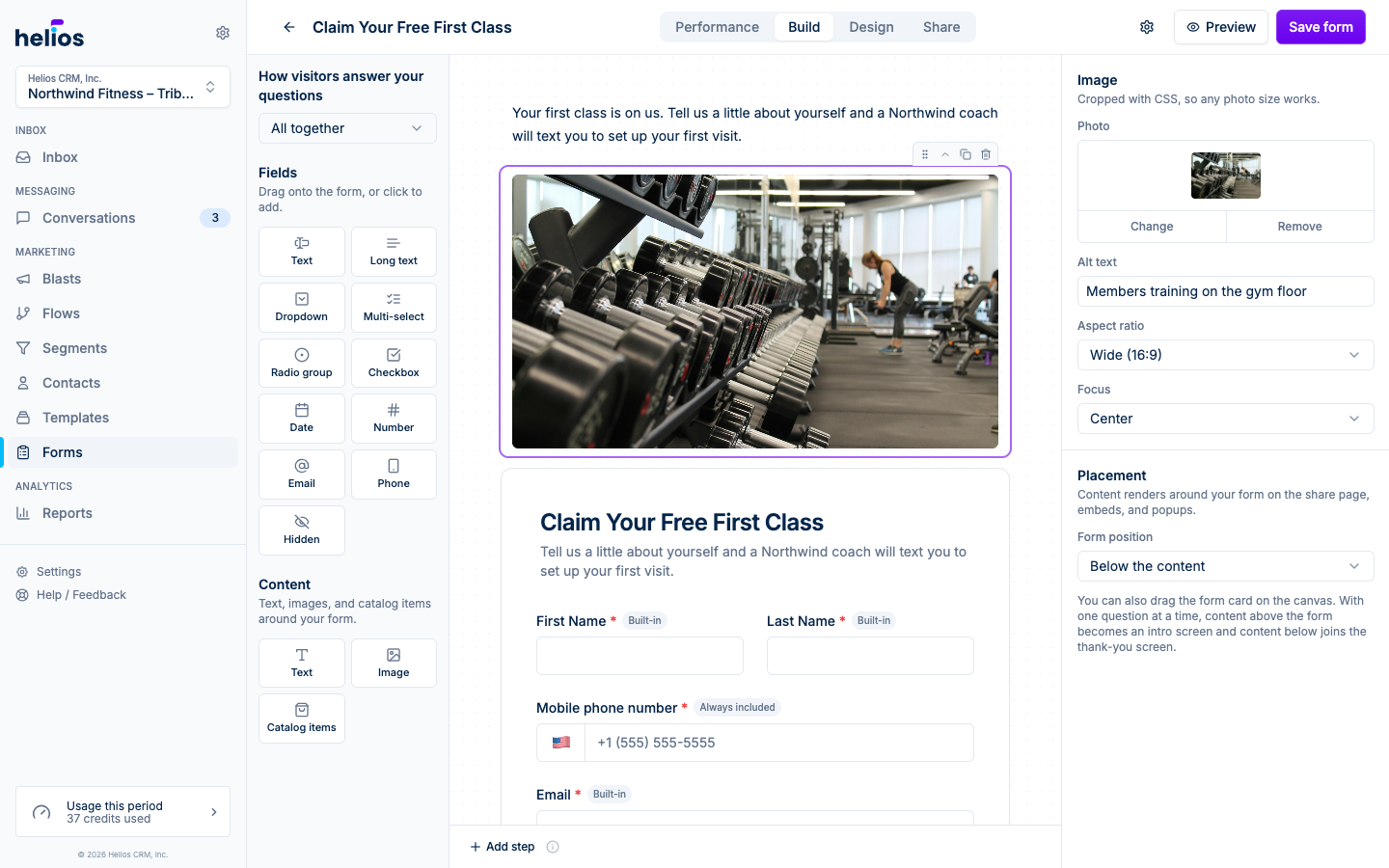
- Heading blocks: lead the page with large title text in two sizes. Text blocks support bold, italics, links, and lists.
- Clearer page layout: the canvas shows two labeled regions with the form between them, and the labels follow your question flow. All-together forms show content above and below the card; one-at-a-time forms show it inside the form as the Intro screen and Confirmation screen it becomes. Drag blocks within or between regions, no guesswork.
- Editable confirmation screen: the title and confirmation message now show on the Build canvas exactly as visitors see them. One-at-a-time forms show them in the Confirmation screen region below the questions; all-together forms get a Confirmation tab next to the step tabs. Click the screen to change the title, edit the copy, or switch to a redirect.
- Card or no border: a new Frame design option shows the form on a card (the default) or drops the border so the questions sit directly on the page. With no border, your background color fills the page instead of the card.
- QR code for your link: the Share tab now includes a ready-to-print QR code for the hosted form link. Download it as a high-resolution PNG for flyers, posters, and the front desk.
- Rich text subtitles: the form subtitle keeps your line breaks and formatting, so multi-line intros render the way you wrote them.
- Unique views: the Performance tab counts each visitor once, so refreshes and repeat visits no longer inflate views or dilute your conversion rate.
See Building forms for details.