Download form submissions as a CSV
Every form’s submissions can now leave Helios in one click. Open a form’s Performance tab and use Download CSV in the Submissions table to export the full history, ready for spreadsheets, imports, or reporting.
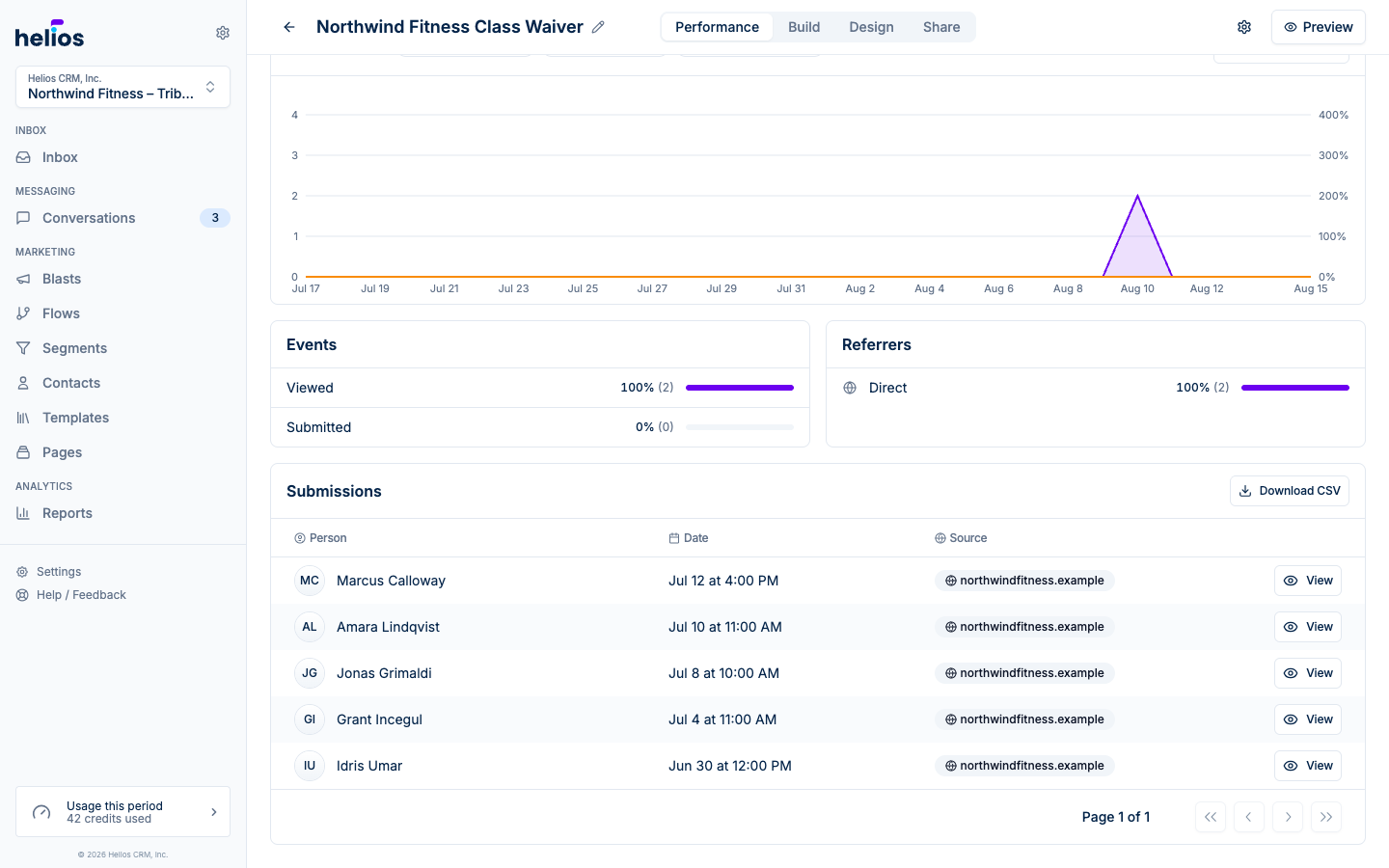
- The complete list: the export includes every submission, not just the page on screen.
- One column per question: contact details (name, phone, email), date, and source come first, followed by each form question labeled exactly as it appears in the app.
See the Submissions docs for everything the table can do.