Turn any form into a landing page
The form builder now has content blocks: add text, photos, and items from your booking platform around your questions, right on the Build canvas, and the hosted form link becomes a landing page you can drop in any text, bio, or QR code.
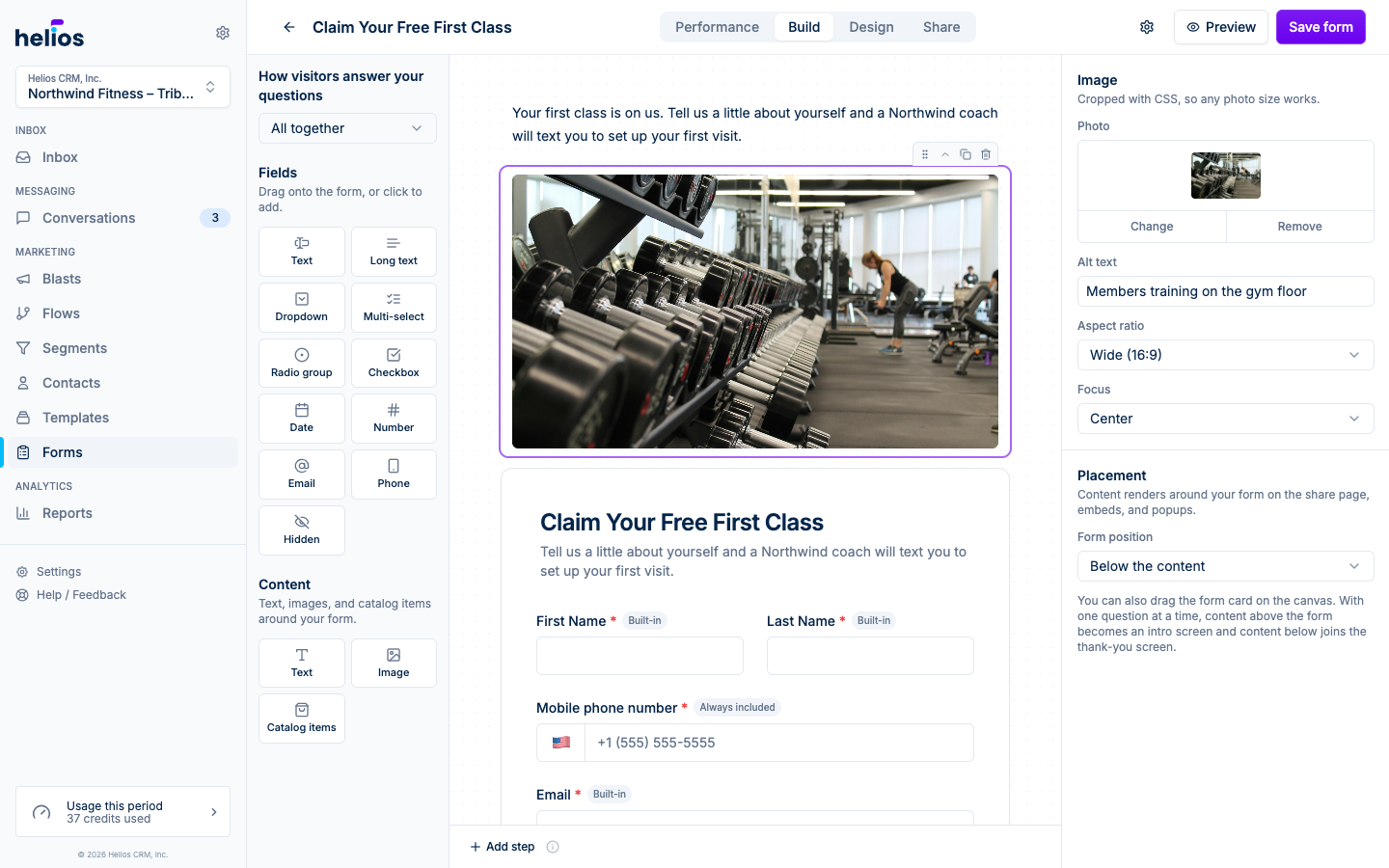
- Content blocks: pitch the offer with rich text, show off your space with full-width photos, and list memberships, classes, and products with live prices and checkout links synced from your booking platform.
- Works everywhere the form does: the page renders on the hosted link, website embeds, popups, and full-page takeovers, in light and dark mode, and it is built mobile-first.
- Plays well with guided forms: with the one-question-at-a-time flow, your content becomes a welcome screen before the first question.
- A canvas that shows your design: the Build canvas renders your colors, imagery, and fonts live, so Build and Design always show the same form.
- Guided by default: new forms start on the one-question-at-a-time flow with a progress bar, the pattern that converts best for lead forms, and each question on the canvas shows which screen it lands on. The dropdown at the top of the left panel flips between one question at a time and all questions together.
- A friendlier first form: your first visit to the builder opens with a quick welcome tour, and new forms suggest common questions you can add with one tap.
See Building forms for how to add content blocks.